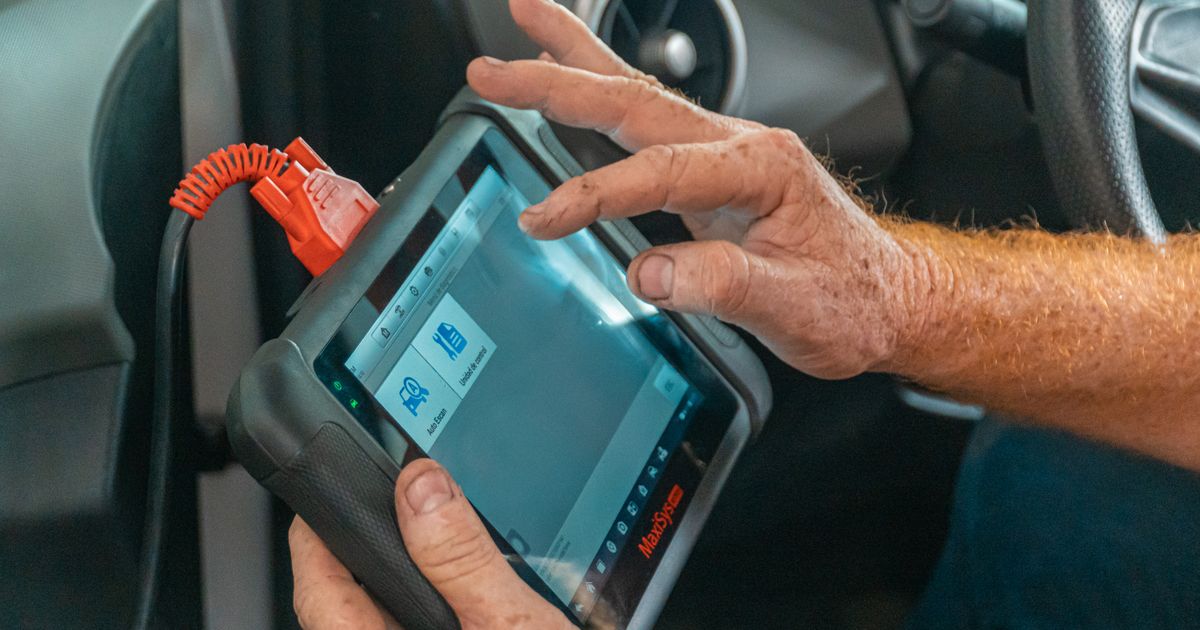
Understanding monitor states is crucial after clearing fault codes or battery power. Incomplete monitor states indicate that the vehicle's system needs more driving to calibrate. Unsupported monitor states may appear if the vehicle's software is outdated or incompatible. Drivers should consult the manual or a professional for guidance on monitor states.
To record standard engine and emissions fault codes before making changes, try AutoScan for Windows free trial with a compatible ELM327 adapter.
What the MOT check covers
The MOT check ensures your vehicle meets safety and environmental standards before renewal. Inspectors verify components like brakes, lights, and emissions to ensure roadworthiness. An incomplete or unsupported monitor state may affect your vehicle's readiness for testing. Clearing fault codes or battery power can temporarily impact monitor states and readiness.
For further detail, see GOV.UK MOT inspection manual guidance.
Readiness and warning-lamp evidence
After clearing fault codes or battery power, ensure all readiness monitors are complete before the MOT to avoid false warnings. Incomplete readiness monitors may trigger warning lamps, indicating that certain systems need further testing or driving time. Drivers should consult their vehicle manual to understand specific monitor requirements and recommended driving distances post-clearance. Ignoring readiness states can lead to unnecessary repairs or MOT failures, impacting vehicle safety and environmental standards.
For further detail, see GOV.UK getting an MOT guidance.
What clearing codes changes
Clearing fault codes resets the vehicle's diagnostic system, removing readiness indicators for monitors that require driving to recalibrate. After clearing codes, monitors like emission checks may show as incomplete until the vehicle's computer gathers sufficient data again. Driving the car under various conditions helps complete these monitors, ensuring the vehicle's systems are functioning as intended. If a battery is replaced, the vehicle's onboard diagnostic system will need time and appropriate driving to fully recalibrate its monitors.
Checks before test day
Before an MOT test, ensure all diagnostic trouble codes are cleared and monitor statuses are verified for readiness. Check that all vehicle systems are in a ready state, as incomplete or unsupported monitors can lead to a failed MOT. Review the vehicle's warning lights and ensure they are not indicating any issues that could affect the MOT outcome. If the battery was recently replaced or the vehicle has not been driven enough to clear monitor statuses, inform the tester.
Problems that need repair first
Before addressing readiness states, ensure all vehicle faults are repaired to prevent false monitor statuses. Clearing fault codes or battery power can reset monitors, requiring specific driving conditions to revalidate systems. Some monitors may remain unsupported until certain driving conditions are met, indicating incomplete readiness. Ignoring incomplete or unsupported monitors can lead to failed MOT tests due to unresolved vehicle issues.
Build a useful pre-MOT record
Before an MOT, record any recent diagnostic trouble codes and monitor statuses for your vehicle. Ensure all emission control system monitors are fully operational and not in an incomplete state. Check if clearing codes or disconnecting the battery has affected monitor readiness statuses. Document any known issues that do not require immediate repair but may affect the MOT outcome.
Use vehicle-specific specifications
Generic maintenance advice cannot replace the handbook or proper workshop information for your exact model. Fluid grades, capacities, lifting points, tightening values and service intervals vary. Record what you find before changing anything, use the specified parts and fluids, and do not work beneath a vehicle supported only by a jack. If a check involves a hot, pressurised, high-voltage or safety-critical system, leave it to a suitably equipped technician.
Turn observations into useful evidence
Note when a symptom appears, the warning lamps involved and any recent work or weather conditions. Photographs and a short timeline can help a garage reproduce an intermittent fault. If an engine warning light appears, save the fault codes and freeze-frame information before clearing them. A reset may remove useful evidence and does not repair the cause.
Next steps
Ensure readiness indicators are observed and recorded before and after clearing fault codes. Monitor states may remain incomplete or unsupported after clearing codes or battery issues. Check for warning lights and readiness status changes that indicate system recalibration is needed. Keep a detailed log of readiness states to track vehicle condition over time accurately.